Log
One line, and it’s filed
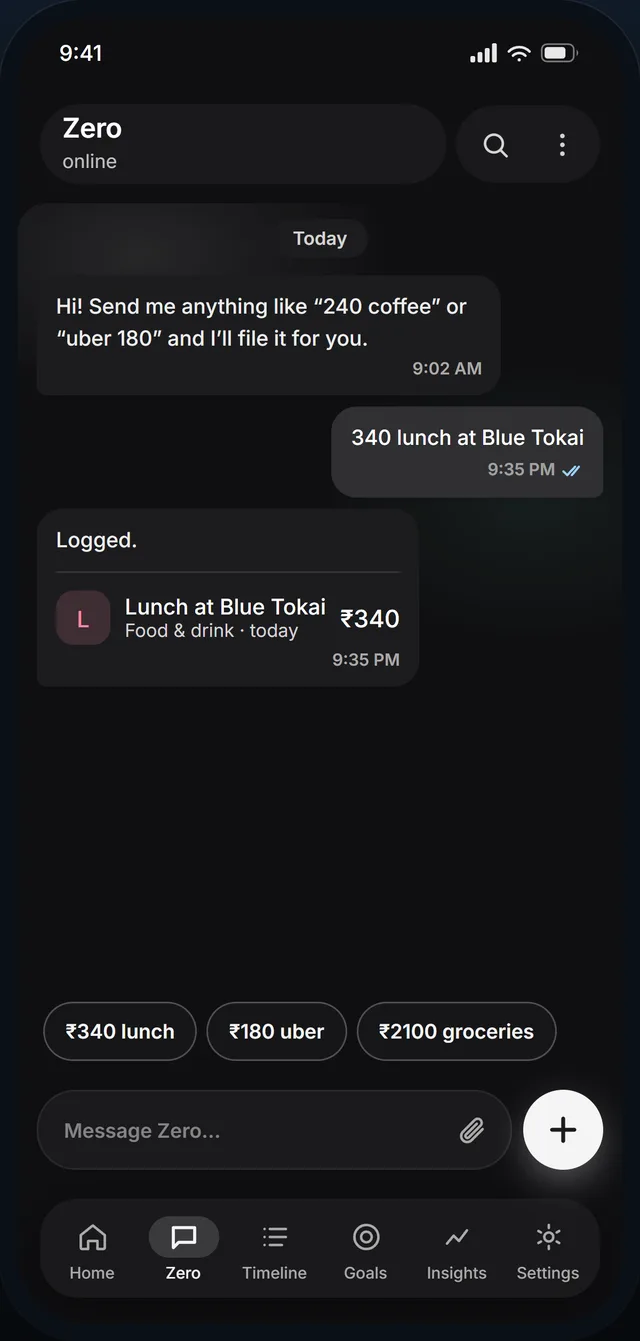
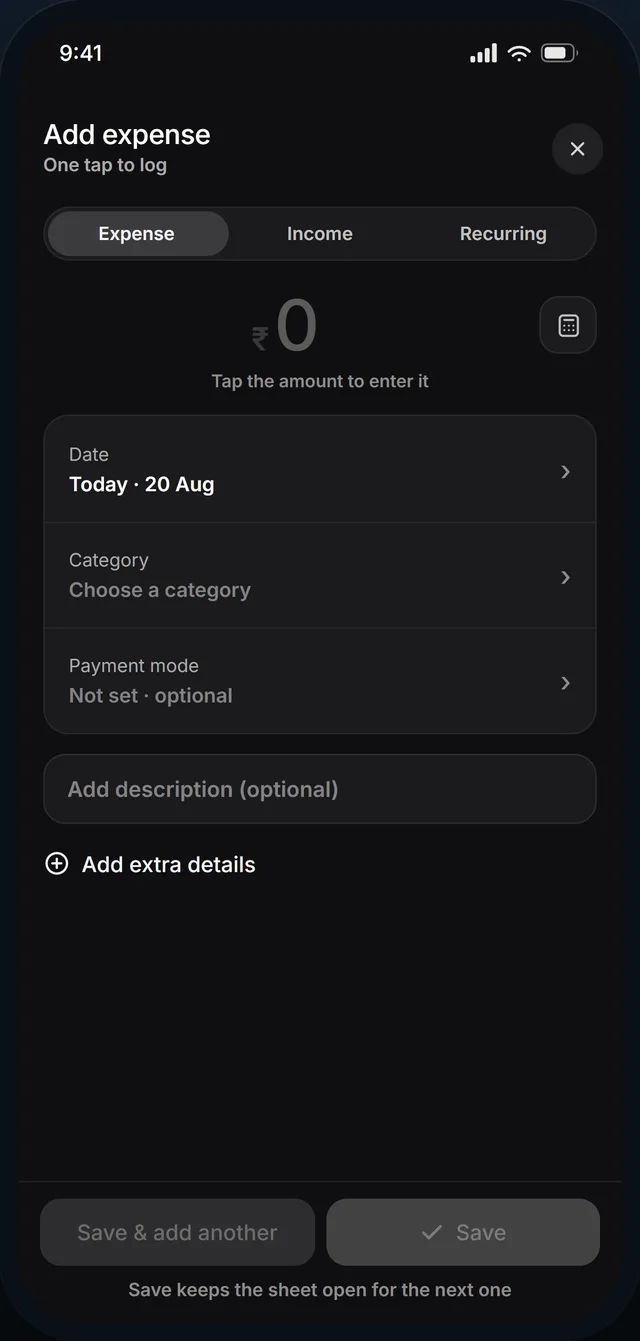
Type it the way you’d text a friend. The amount, the label and the category are read straight out of the sentence, and the running total updates itself.

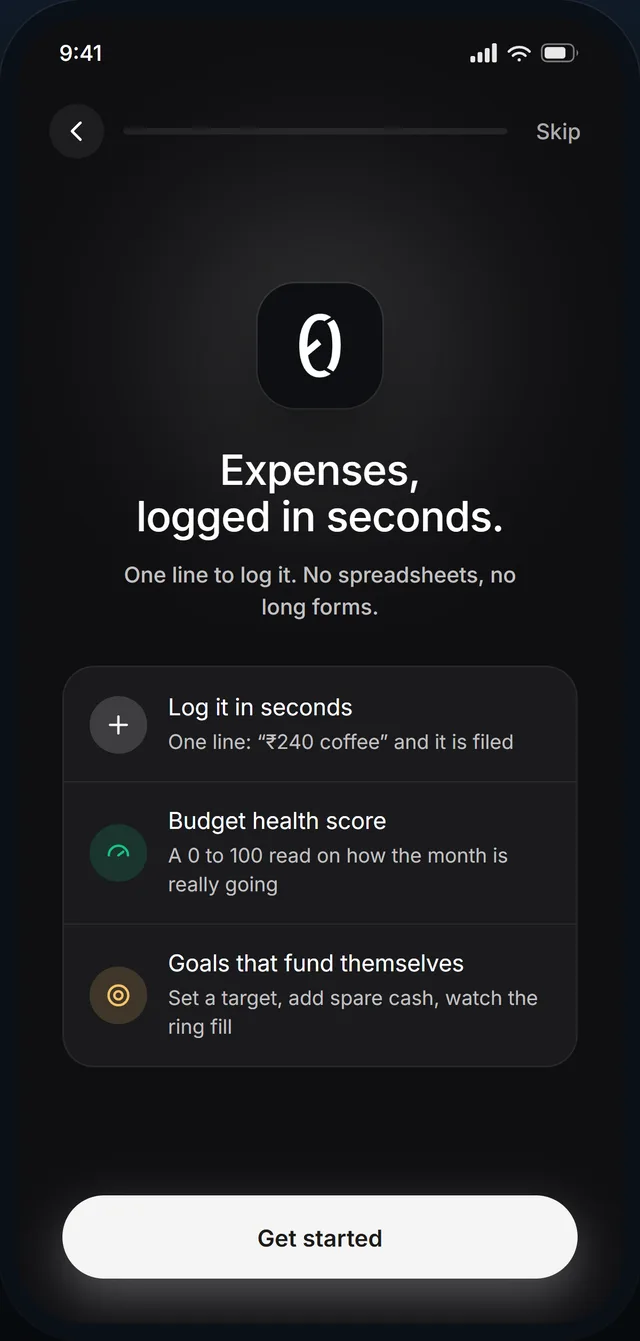
Track daily expenses, set budgets, goals, get smart insights, and more.
Free, ad-free, and set up in a few taps.
One line in. A month you can actually read, out.
Type it the way you’d text a friend. The amount, the label and the category are read straight out of the sentence, and the running total updates itself.
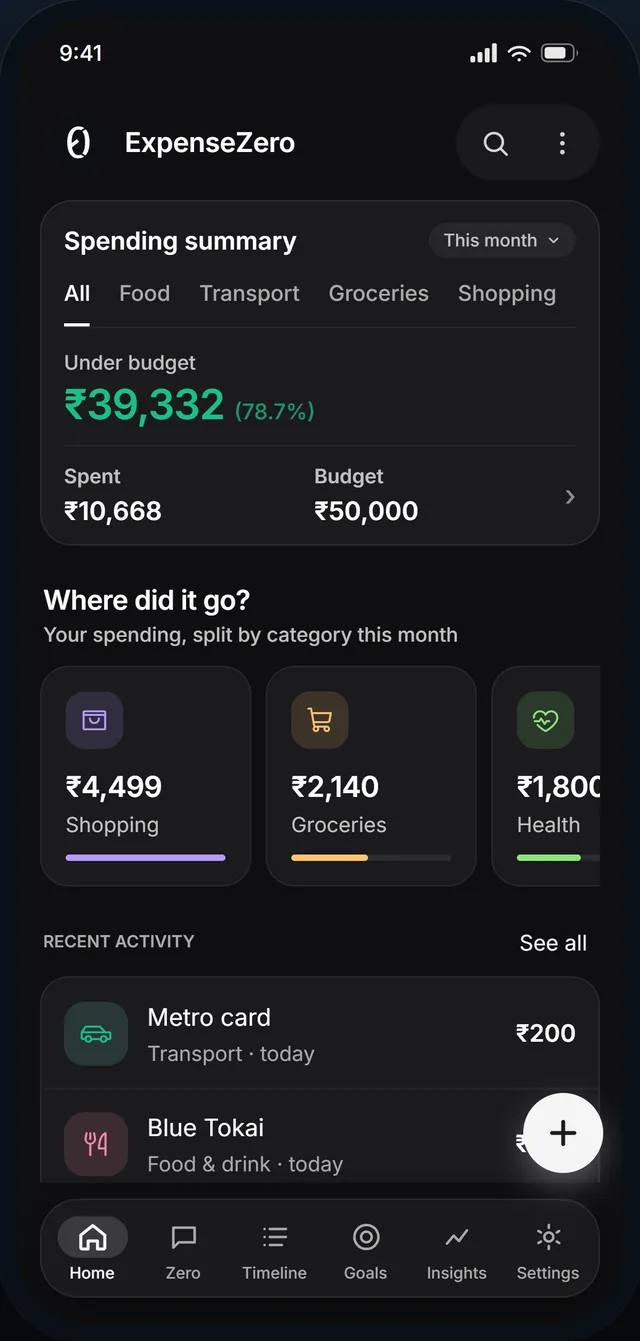
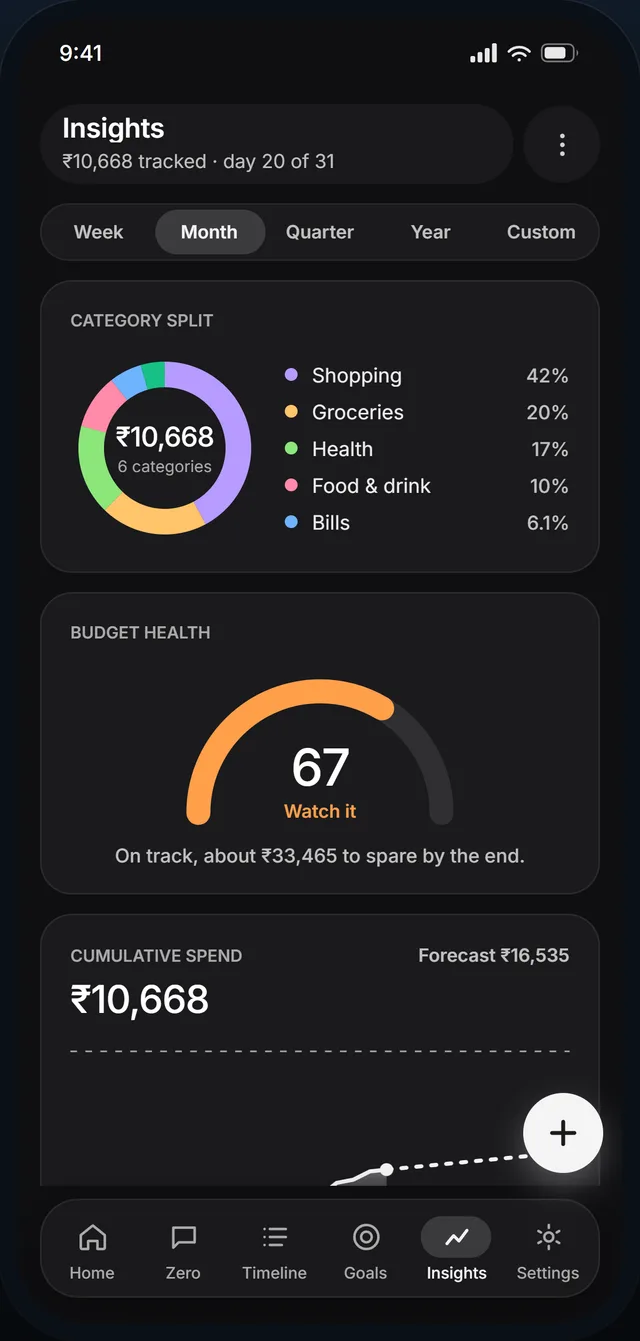
One honest number, and where it lands if you carry on like this.
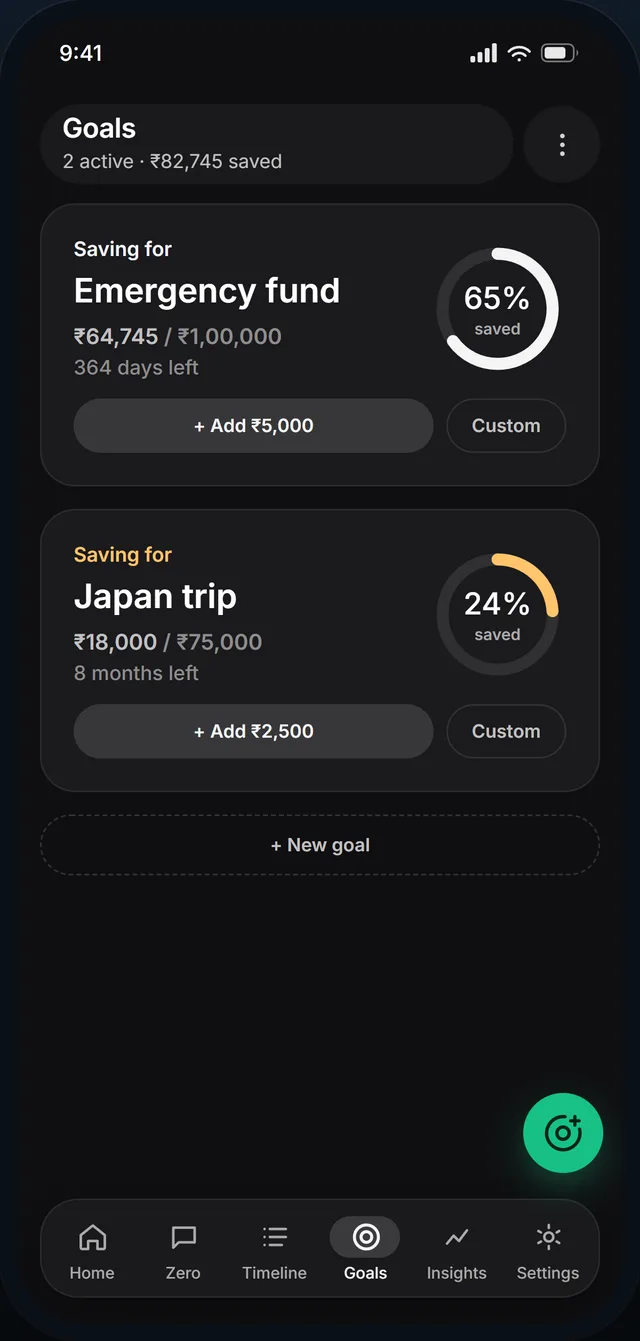
Point what you didn’t spend at a target and watch the ring close.
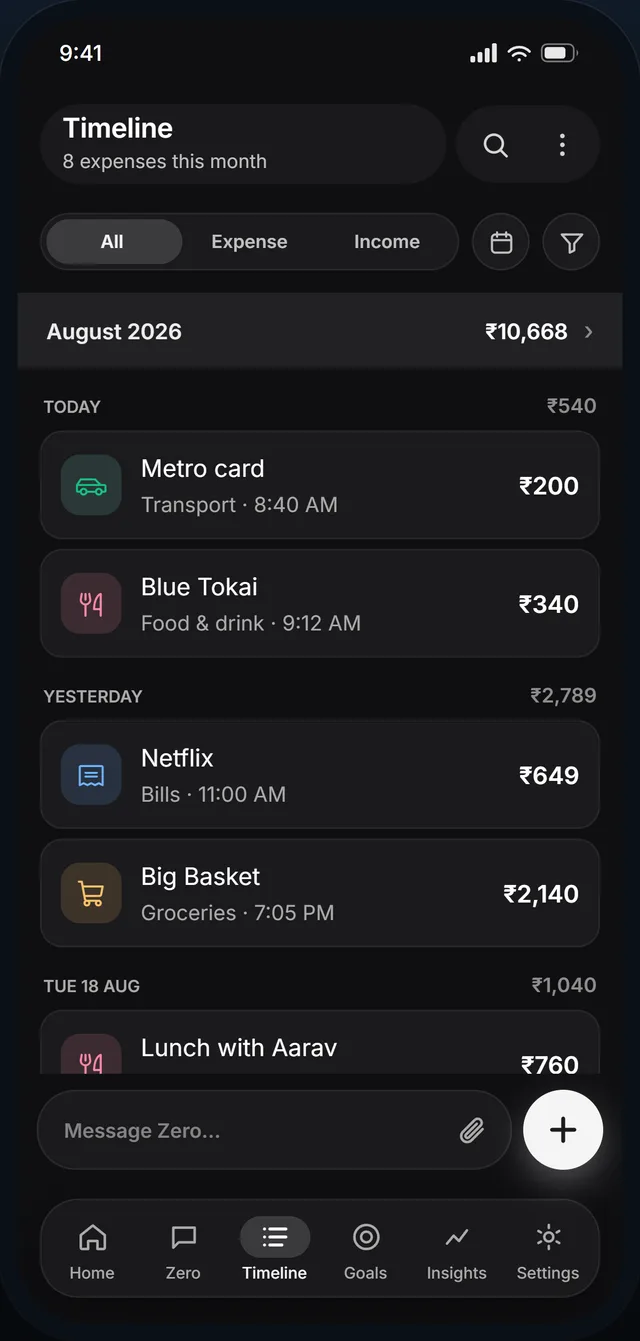
Log it in one line, see exactly where it went, and watch a goal fill up with what you did not spend. It all works with no signal, and none of it sits behind a paywall.
Seven things your last tracker made you live with, and what we did instead.
A frustrating experience. Built around what the app wants to record, not what you want to get on with.
ExpenseZeroBuilt around you. No frustration, no dead ends, nothing standing between you and a logged expense.
A Pro tier above you, a trial clock behind you, and your own data held just out of reach.
ExpenseZeroNothing is locked. No Pro tier, no trial clock, your entries encrypted on the device, and your CSV yours the day you ask.
Six fields before it will take a cup of coffee seriously.
ExpenseZeroOne line. Type “340 lunch” and the amount, label and category come straight out of the sentence.
Sign up, verify, set a password. Three screens before you log anything.
ExpenseZeroStart logging on install. Make an account later, only if you want a backup that syncs.
Your savings goal lives somewhere else. A note, a screenshot, or just a vague intention.
ExpenseZeroGoals sit right next to your spending, and fill up with whatever you did not spend this week.
Someone else’s categories, none of which match how your month actually goes.
ExpenseZeroRename them, recolour them, pick from eighty icons, or make your own.
Weeks of data entry, and all you get back is your own data.
ExpenseZeroA budget health score out of 100, a category split, and a forecast to month-end.
Everything people ask before they install it. Anything else, just write to us and a human will answer.
Any time, and it stays yours the whole time. It is not sold, and it is not used to target ads at you. Export it as a CSV or PDF whenever you like, and delete your account, along with everything in it, from inside Settings.
Full details are in the privacy policy.
Five seconds, no account needed. By the 30th you will know exactly where the month went.